 Glowilo
The user who just ran an analysis
is at your door.
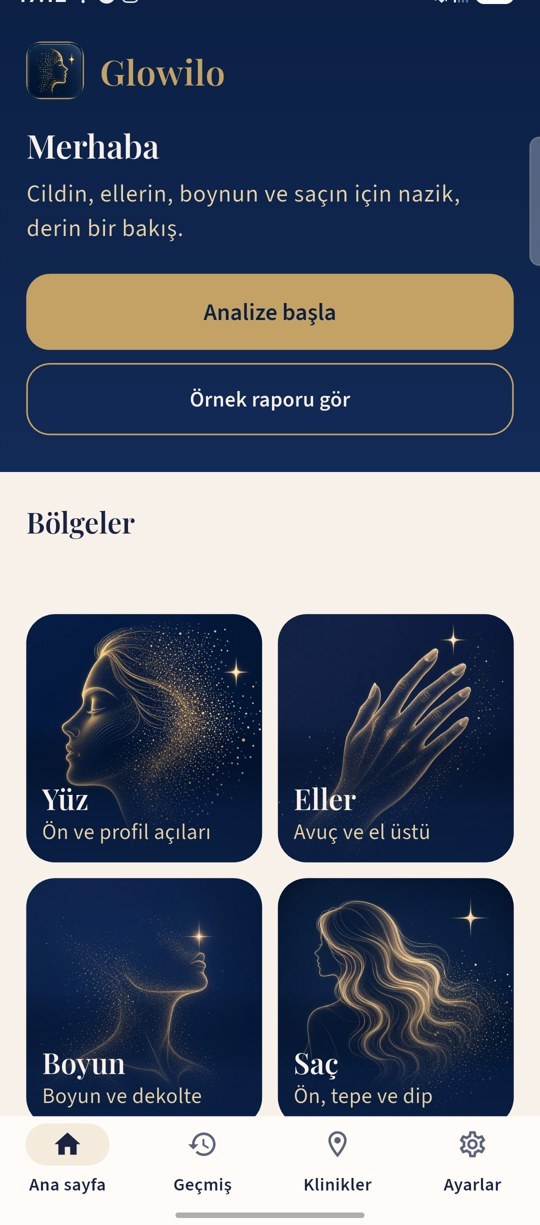
After receiving their AI care analysis report, Glowilo users see the clinics closest to them. If your clinic uses CosmeNote, it appears with a showcase page; appointment requests arrive in your CosmeNote panel.
How does your clinic appear in Glowilo?
You manage your details in the CosmeNote panel; your showcase is shown to users in the app together with the distance.
Description
A short text introducing your clinic and approach.
Photo gallery
Images of your space and team.
Promo video
Introduce your clinic in a short video.
Opening hours
Users can see when they can reach you.
Services
A list of the treatments you offer.
Doctors
Profiles of the physicians on your team.
From request to appointment
The user sends a request, you see it in the panel and call back.
Analysis
The user receives their report in Glowilo.
Nearby clinics
Clinics are sorted by distance in kilometres.
Showcase
The user looks at your clinic page.
Appointment request
The request arrives in your CosmeNote panel.
Call-back
Your clinic calls the user and arranges the appointment.
No extra panel, no extra workload
Glowilo lists clinics that use CosmeNote. Appointment requests appear in the CosmeNote panel you already use; the “What is Glowilo?” card in the panel points here.
- Update your showcase from the CosmeNote panel
- Follow appointment requests in one screen
- Visibility to nearby users by location
This website is not a work tool for clinics. Glowilo is a public consumer app. Clinic staff manage requests in CosmeNote, not on this site.
Inclusion
Being listed in Glowilo is included in the CosmeNote package.
Questions? Write to us at [email protected].